


ContextSMS Password Reset

Last updated: Jan 26, 2026
1115
views

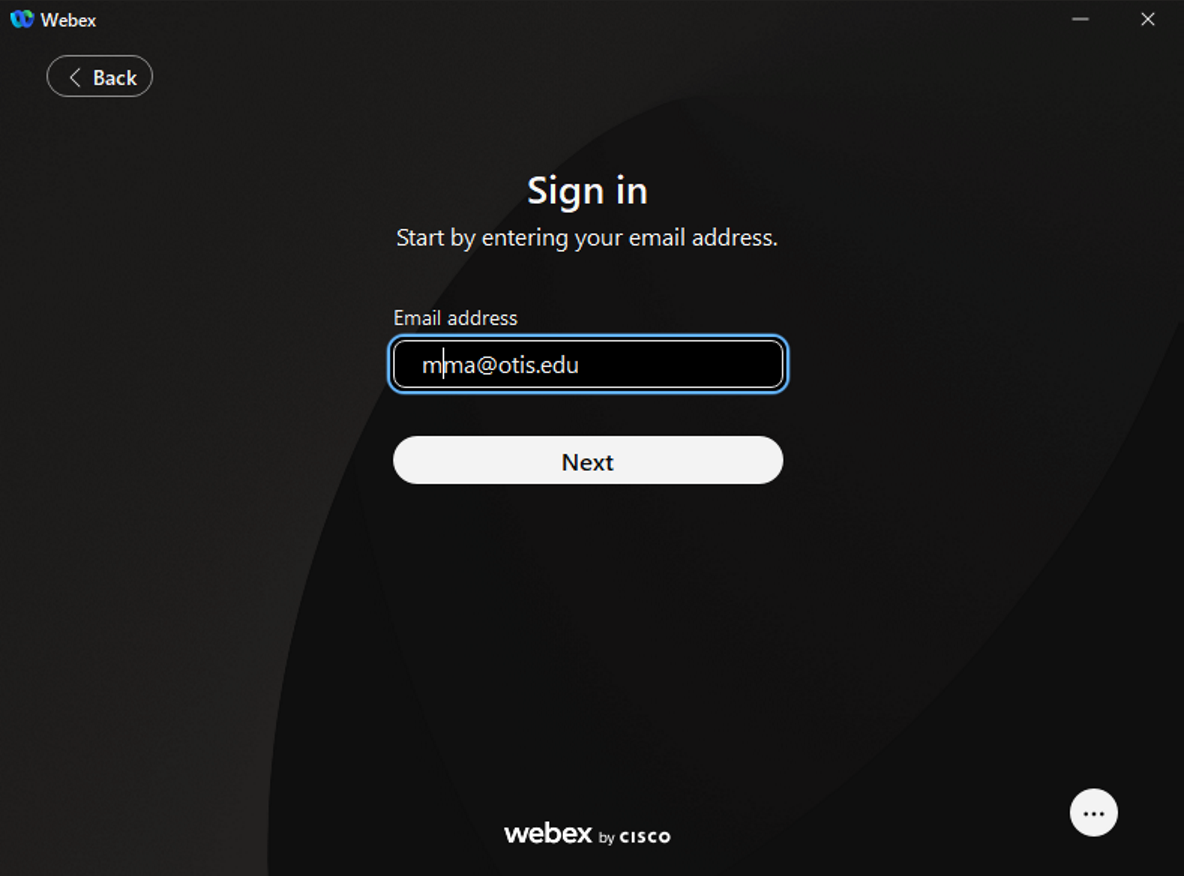
- Sign in to WebEx.
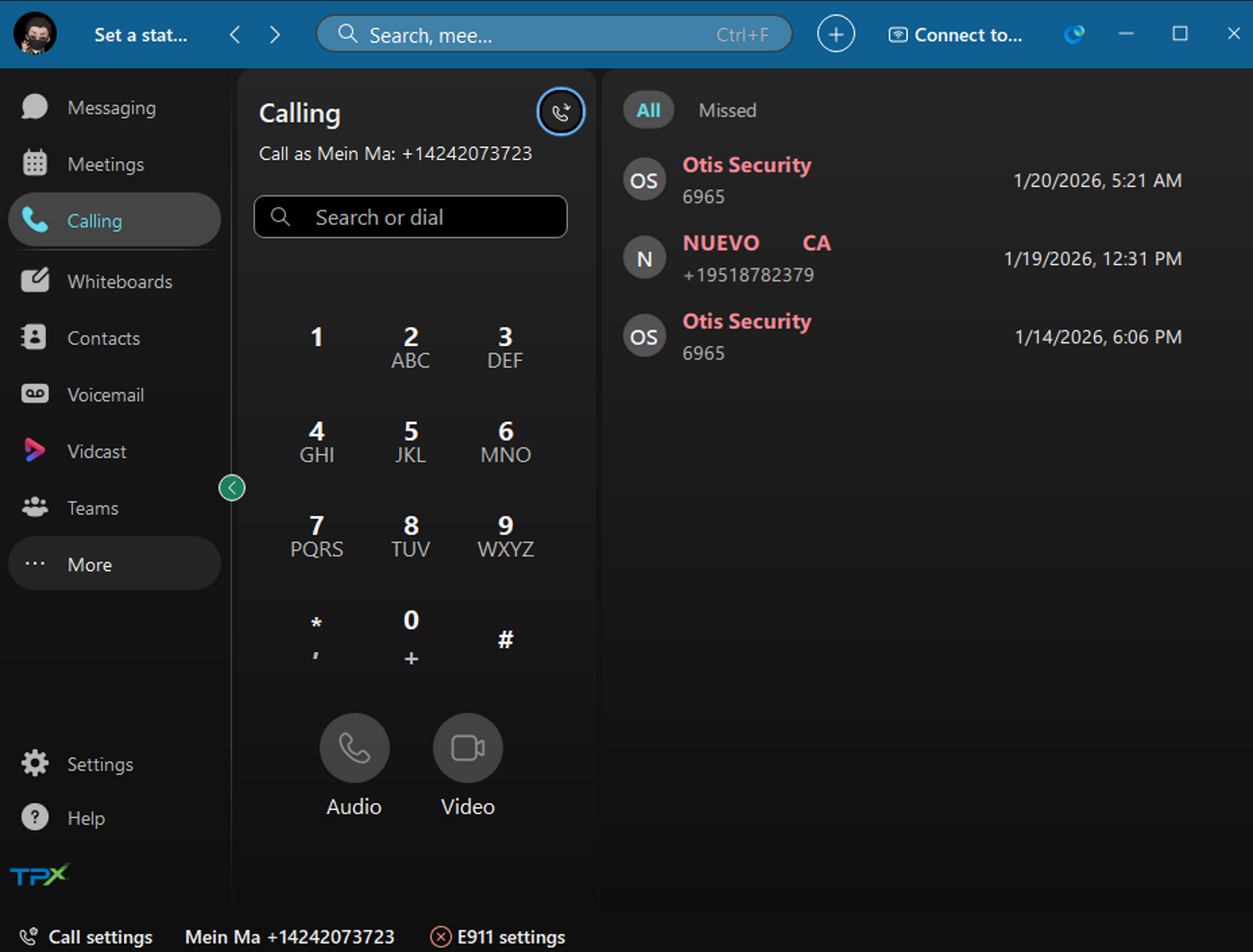
- On the left menu bar select "... More"
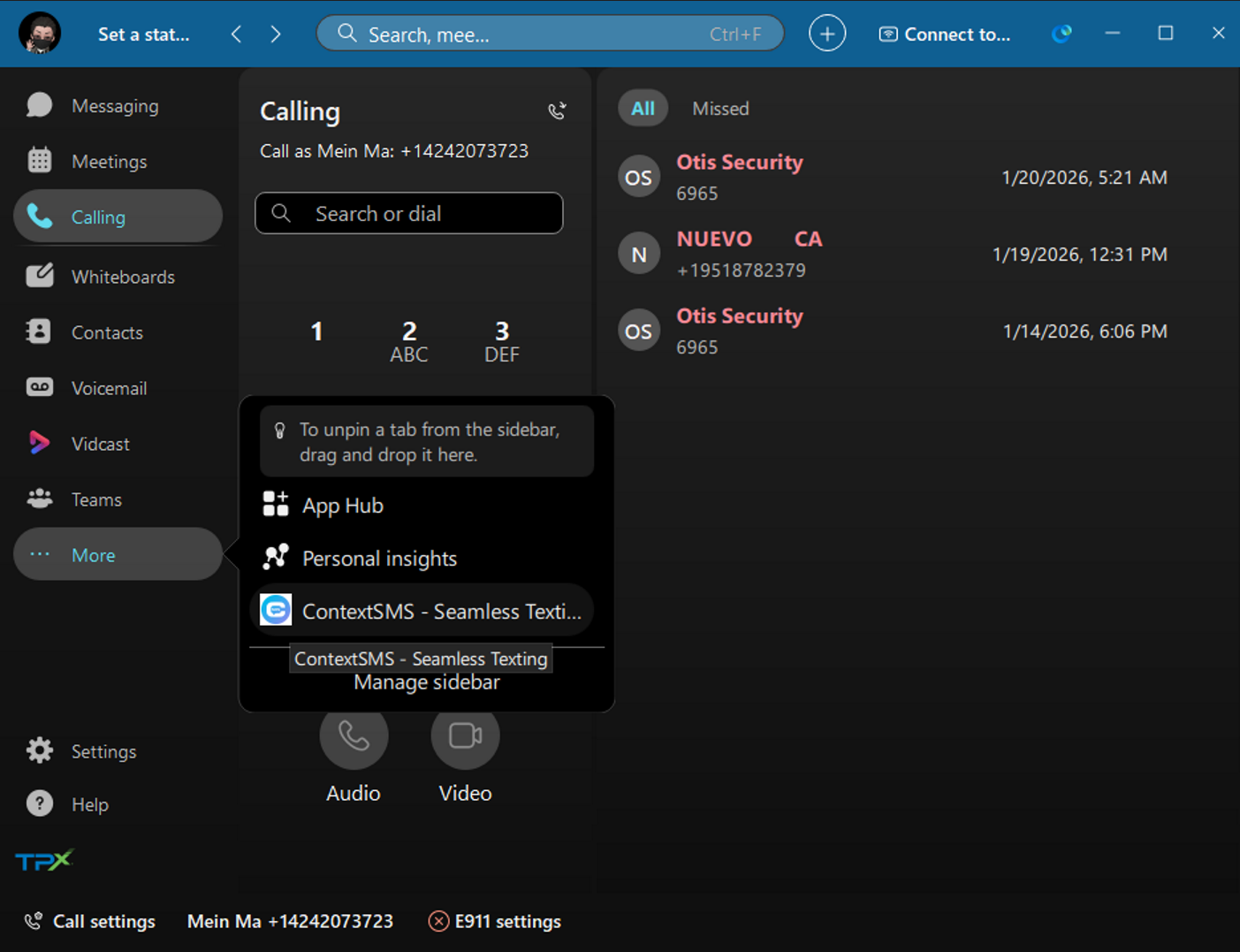
- Select ContextSMS
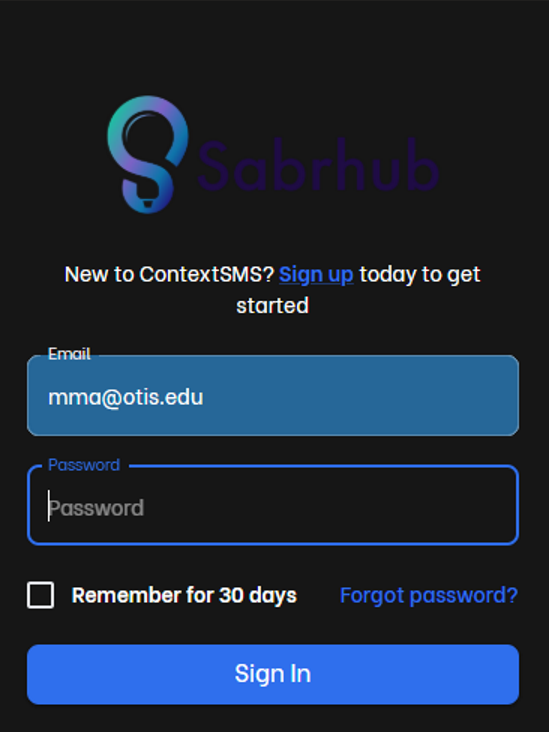
- Click Forgot Password.
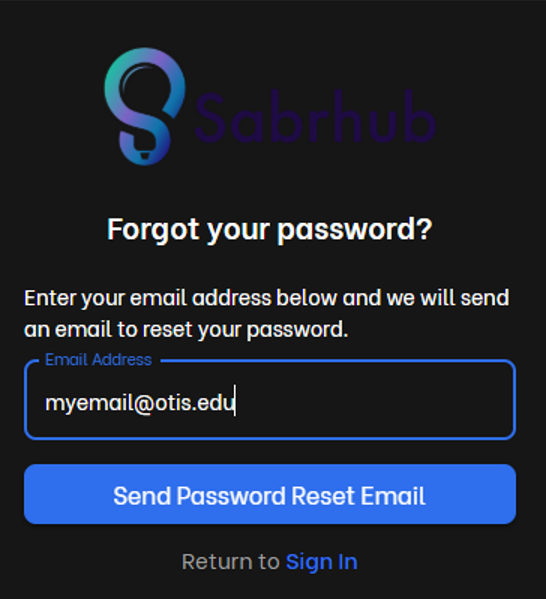
- Enter your email address and click "Send Password Reset Email".
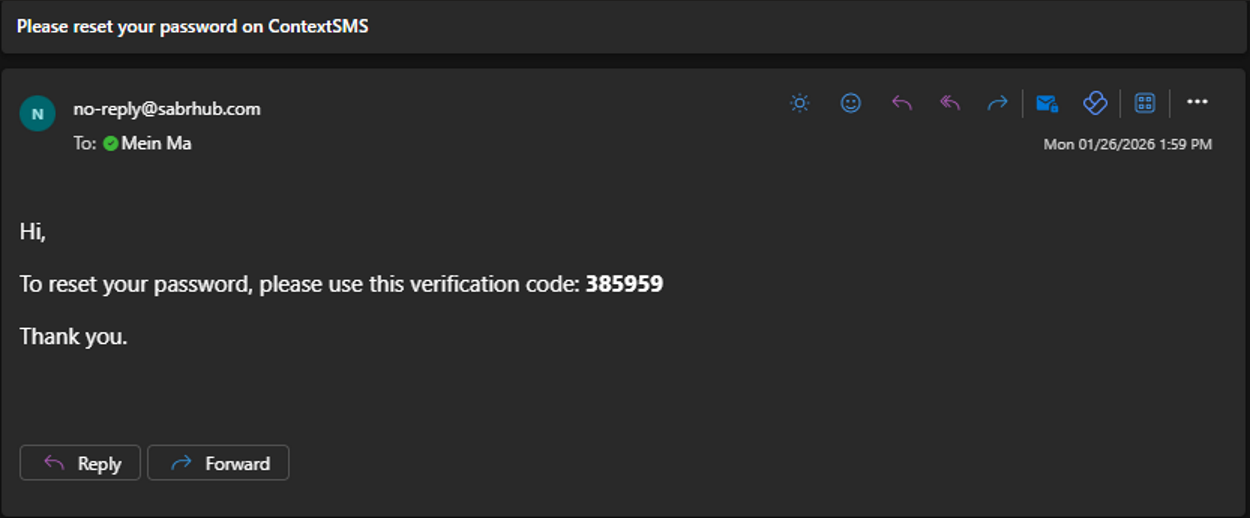
- You should receive an email from [email protected] with a 6 digit verification code.
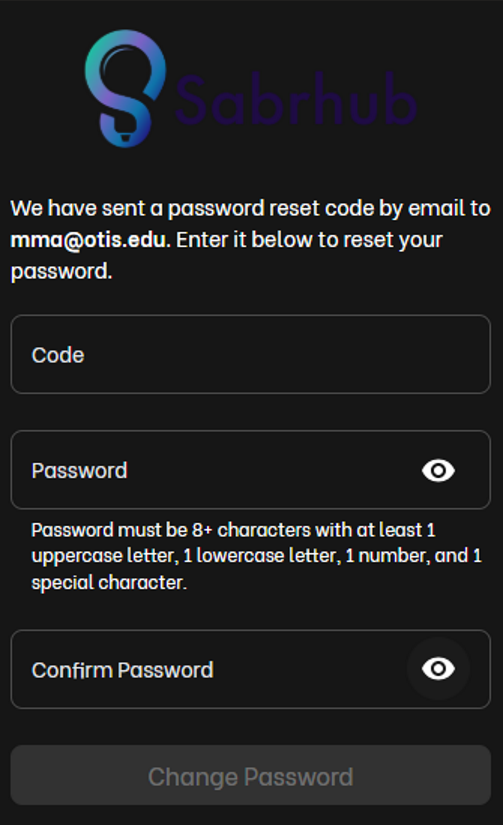
- Enter the 6 digit code then enter your new password and confirm your password. Then click "Change Password".
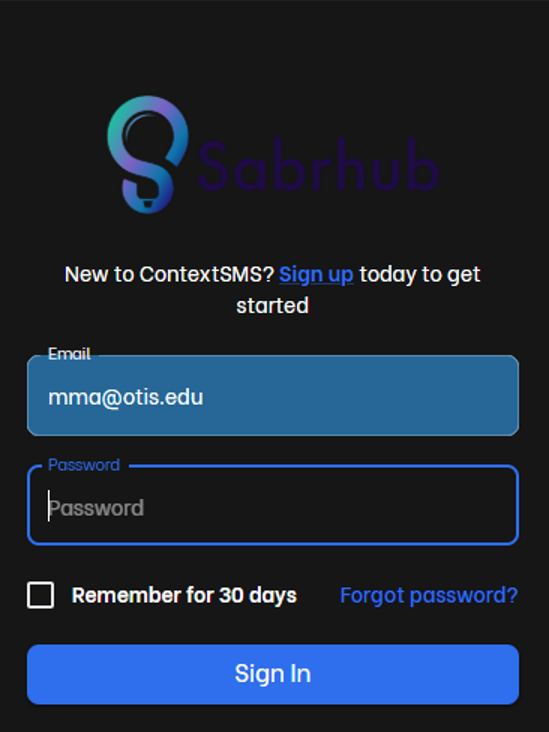
- Enter your email address, then enter you new password and click "Sign In".
Congratulations! You should now be signed into ContextSMS.

